

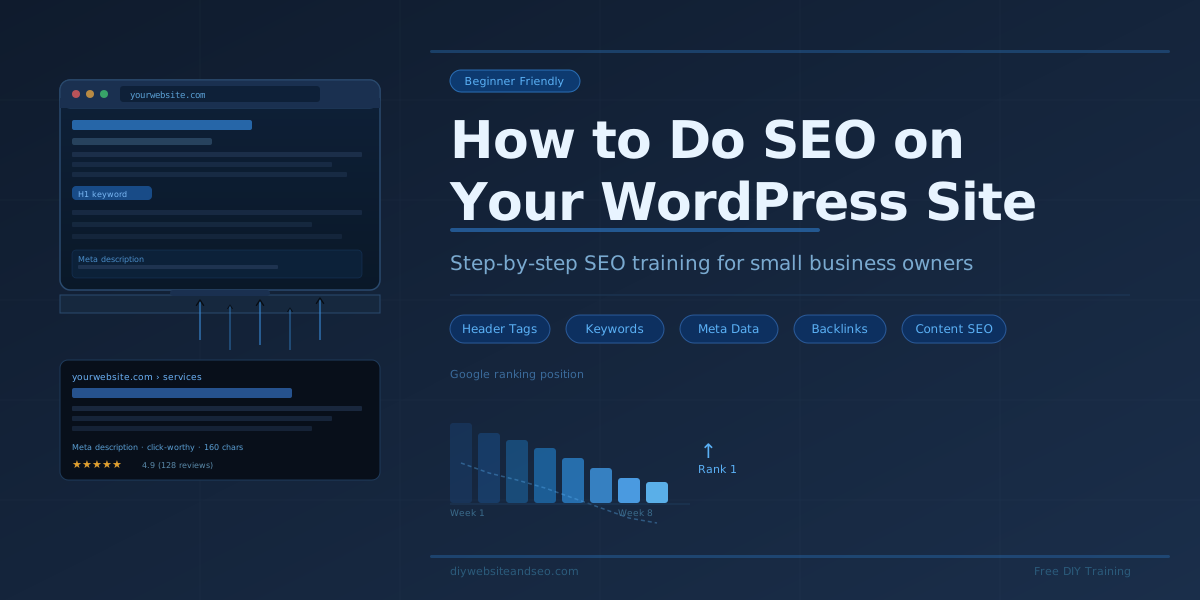
You Can Do Your Own Website SEO — Here’s How
Wondering how to do SEO on your WordPress website? This post will help. A lot of people think SEO is some big, unachievable mystery. It is not. It is entirely achievable for mild to medium markets, though it absolutely can be a challenge in competitive ones. The trick is finding where you are in that mix, then finding someone who will be honest with you, or you can learn about it yourself so you can better judge.
Once you understand what it is and why it works, you just need time and patience. SEO stands for Search Engine Optimization. It means you help Google understand what your website is about so it can show your pages to the right people in the right places.
This post walks you through the main parts of WordPress website SEO in plain, easy language. If you follow these steps, you will be ahead of most small business websites out there.
Start With Header Tags — They Matter a Lot
Every page on your website should have a clear title at the top. That title is called an H1 tag. Think of it like the name of a chapter in a book. It should clearly say what the page is about and include your main keyword for that page.
You can also use H2 tags as section headings on the same page. Try to use your main keyword in one or two of those H2 headings as well — but only if it makes sense. Never force it. Google can tell whats natural and whats not.
Most WordPress websites use an SEO plugin like Rank Math, Yoast or All in One SEO. These tools help you set your tags correctly without needing to know any code. If you want to double-check your tags are set up right for any website, try a free website audit tool like MOZ. It will show you what is working and what is not.
Do Your Keyword Research First
Before you write anything, you need to know what words people are actually typing into Google. Those are your keywords.
A simple way to start is to ask an AI tool like Grok. Ask it something like, “What are the most common search terms people use when looking for a plumber in Phoenix?” You will get a helpful list fast.
You can also use Google Trends to compare keywords and see which ones people search for more. If you want to go even deeper visit Google Ads Keyword Planner, or SEO platforms with tools like MOZ, , SEMRush and Ahrefs all have free options and audits.
Once you have your list of keywords, group them. Decide which keyword is the most important focus for each page. Do not try to target ten keywords on one page — pick one main keyword and let everything else support it on that page including industry terms which Google expects.
Plan Your Content Around Keywords
Now that you have your keywords, think about how to spread them across your website. Your home page should target your most important keyword. Your service pages should each target a keyword related to that service. Blog posts are great for long-tail keywords or questions – those are longer, more specific phrases people type when they are ready to buy or learn. If you begin to target these the platforms I mentioned above aer great for researching them.
Here is an important rule: never use the same keyword as the main focus on two different pages. That confuses Google. Each page should have its own clear keyword mission. However you can support the keyword page with a blog post targeting a different sense of the keyword. This post supports a website SEO training video.
Also, do not stuff keywords everywhere instead strategically place industry terms. Google is smart. It wants to see natural writing that reads like a real person wrote it not an Ai. Use your keyword in different ways where it makes sense – in the title, in a couple of headings, in the intro, meta data and a few times in the body. That is enough. When in doubt view high ranking SEO platforms and businesses. Try to pick what their keyword is and search the page or refer to Ai.
Write Great Content — And Keep It Unique
Content is one of the biggest parts of SEO. Google wants to send people to pages that are actually helpful. So write content that genuinely answers questions and solves problems.
A few rules to live by:
Never copy content from another website or website page even your own. Every page should be written as fresh as possibe.
Only use AI as a guide for content, make sure to humanize it. Add your own voice, your experiences, and specific details. Generic AI content is easy for Google to spot. Make it yours.
Use an easy editing tool like Grammarly if you prefer writing yourself. It checks for grammar mistakes and even flags if your content is too similar to something else online. A cheaper alternative is editGPT only to check for plagiarism you’ll want to visit Origionality.ai.
Here are some great content ideas that work really well for SEO:
FAQ pages can be powerful. Many business owners skip them entirely. Do not make that mistake. They are helpful in Google eyes and it supports Ai SEO. Write down every single main question a customer has ever asked you, then answer each one thoroughly on your site.
Write Good Meta Descriptions
Your meta description is the short sentence or two that shows up under your page title in Google search results. It does not directly affect your ranking, but it does affect whether someone clicks on your link. If editing a page in your admin area you should see it in most website builders. If using a WordPress SEO plugin it’s usually near the bottom of the page.
Think of it like a mini-advertisement for your page. You have about 160 characters to convince someone that your page is worth clicking. Use that space wisely.
For local businesses, you can mention your main service, why someone should choose you, and something specific about where you are located. Keep it clear, honest, and interesting.
One tip: Google sometimes rewrites your meta description if it does not think yours is a good match. Search your own business from time to time to see what is actually showing up.
Build a Smart Internal Link Strategy
Internal links are links that go from one page on your site to another page on your site. They are simple but very powerful.
Here is why they matter:
For example, if you are a plumber and you have a page about drain cleaning and a separate page about pipe repair, link those two pages to each other. It tells Google easily you have strong knowledge across related topics about your service.
Good internal linking is something most DIY website owners overlook. Do not skip it. Spend time mapping out which pages make sense to connect.
Get Backlinks From Other Websites
Backlinks are links that come from other websites and point to yours. Google sees these as votes of trust especially if from reputable sources with high traffic or specific to your industry. The more trustworthy websites that link to you, the more Google trusts your site.
Here are some good ways to build backlinks:
Note, do not just buy cheap backlinks from random places. Think quality not quantity. Bad backlinks can actually hurt your website. Make sure any service you may use, if any, are reputable and will last.
If you have bad backlinks try to contact the source for removal. If that fails you can visit information about the Google Disavow Links tool requesting Google to ignore.
Also know the difference between do-follow links and no-follow links. Do-follow links pass authority from one site to another — these are the most valuable. No-follow links tell Google to stop and not pass that authority. You want mostly do-follow links, but a natural mix of both is ideal.
Use SEO Plugins and Helpful Tools
WordPress makes SEO easier than any other platform because of the plugins available. Here are a few worth knowing:
Fast-loading pages rank better. Fixing broken links keeps your site healthy. These tools do the heavy lifting for you.
Keep Growing Your Online Footprint
SEO is not a one-time thing for medium to high competition markets. It is something you keep building over time. Here are a few extra moves that help:
Every action you take online adds to your footprint. Small things done consistently over time create big results.
Ready to Learn More? Watch the Free Training Video
If you want to see all of this in action, step by step, the free DIY WordPress Website SEO Training Video over at diywebsiteandseo.com walks you through everything covered in this post. It is made for regular small business owners. More specifically the new, young and struggling businesses who are building and saving money. The video is easy to follow, easy to apply. It’s worth your time and energy.
You do not need to solely hire someone to do your SEO especially in mild to medium markets. You want to consider though if in crowded or competitive markets.
You just need the right guidance and the willingness to put in the time and understanding. You have got this.
If your newer or haven’t tried MOZ SEO software yet it’s entirely beginner friendly and even has a helpful chrome extension.